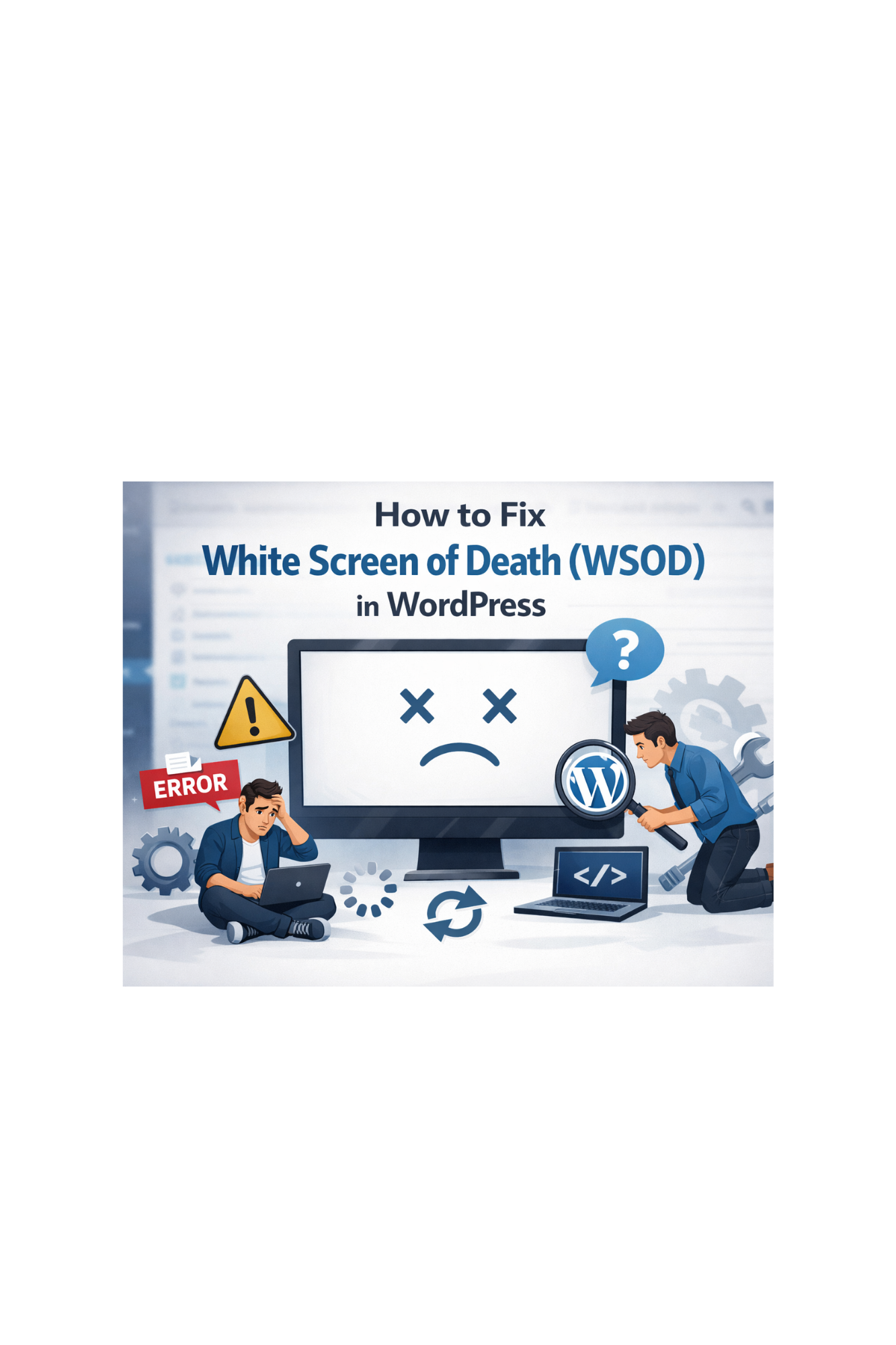
Your webpage appears out of nowhere an all-white screen, no message of error. The admin pannel won’t open.
Common causes for not opening the admin pannel are Fatal PHP error, crash of a plugin, theme collapse and weariness of memory.
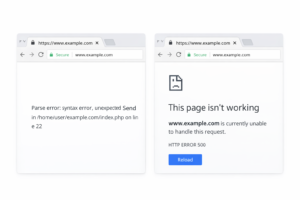
Detailed solutions :
1. Turn on Debug Mode by editing wp-config.php:
define (‘WP_DEBUG’, true);
define (‘WP_DEBUG_LOG’, true);
define (‘WP_DEBUG_DISPLAY’, true);
Reload site -> An error message will show.
2. Disable every plugin (quickest fix) :
Change /wp-content/plugins to plugins_old.
If the website loads, there is a plugin problem. Rename back and activate each one individually.
3. Switch to default Theme :
WordPress automatically switches to Twenty Twenty-Four.
4. Increase PHP limits :
ini_set(‘memory_limit’,’256M’);
5. Check Error Log File :
/wp-content/debug.log
Important : Never make direct edits to live websites. Fixes should always be tested on staging first.